Direct Mail
A batch production system for high-volume direct mail, combining template mechanicals, image workflows, and custom tooling to execute repetitive work without rebuilding from scratch.
Type:
Print Production
Role:
Production Designer
Team:
Jen Bonilla, Antek Krystecki
Tools:
InDesign, Illustrator, Google Sheets, ChatGPT

PROBLEM
The Same Work Was Being Done Over and Over.
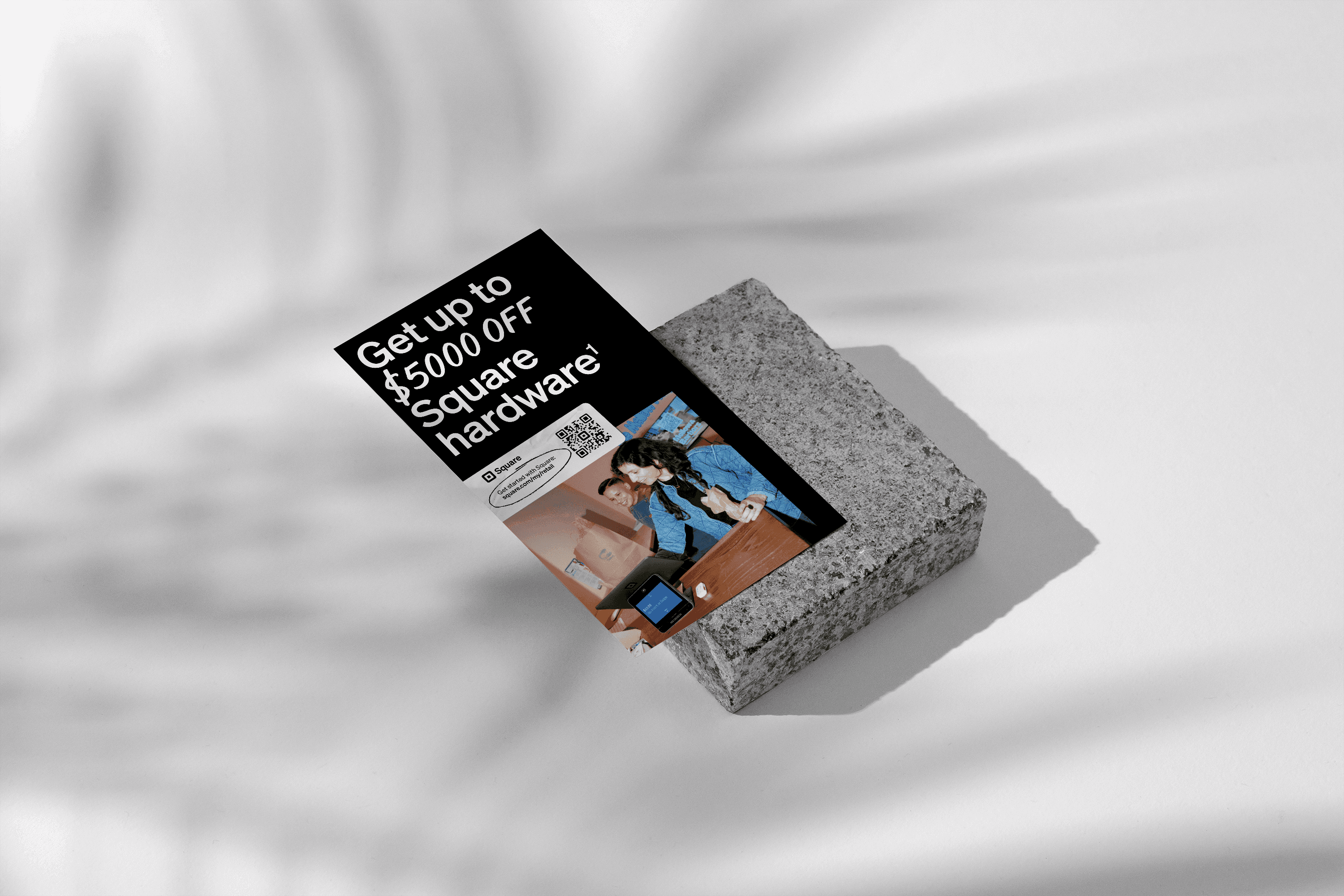
The lower funnel direct mail program ran continuously. Letters, postcards, and weekly trigger pieces went out on a regular cadence across multiple audience segments, each with slightly different copy, images, and offers. On paper they were variations. In practice they were treated as individual builds from scratch every time. A designer would set up the file, place the images, flow the copy, check the specs, and hand it off to the print vendor. Then the next week it would happen again, almost identically. There was no templated foundation, no shared naming system, no way to batch the work. The result was a program that consumed far more production time than its creative complexity warranted.
SOLUTION
A Template and Data Merge System for Batch Production
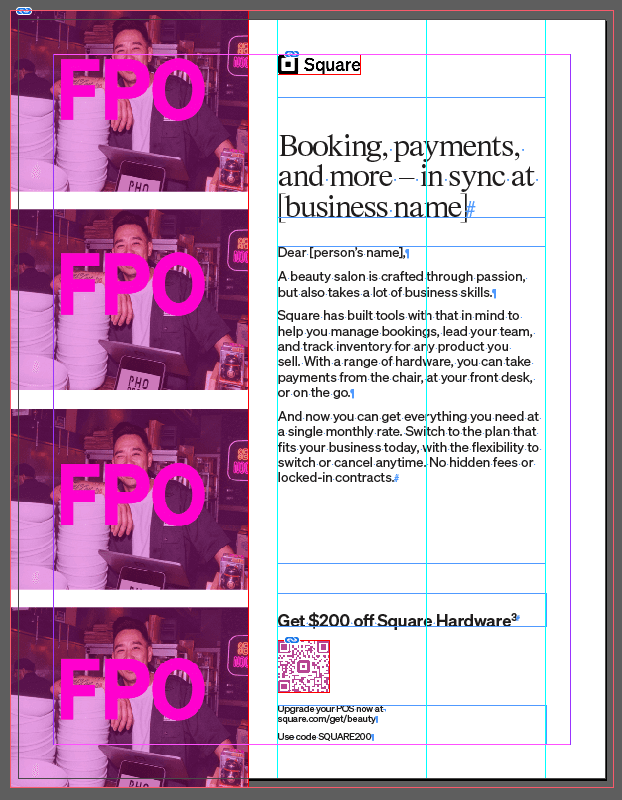
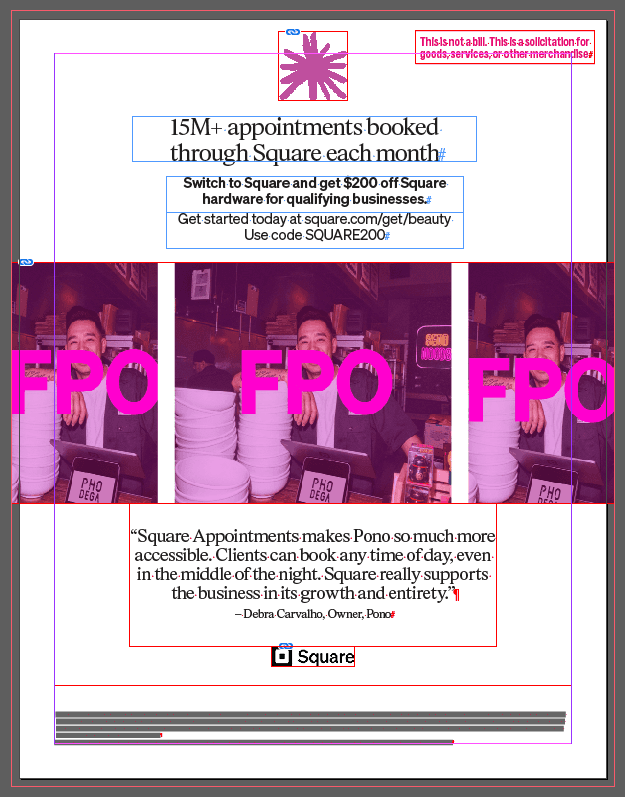
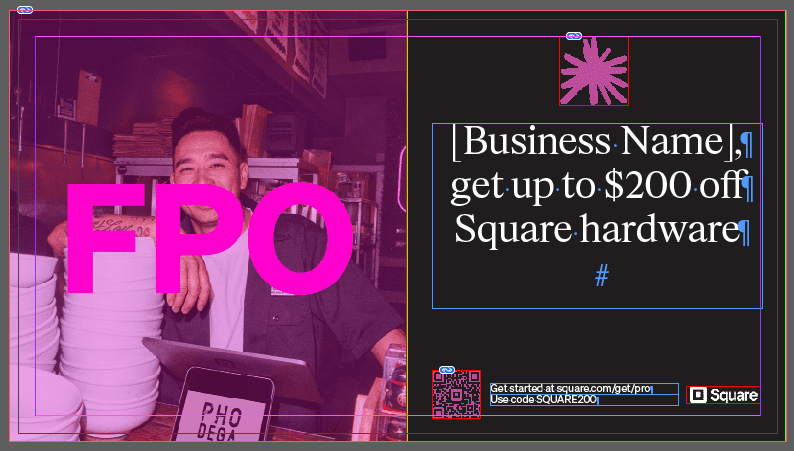
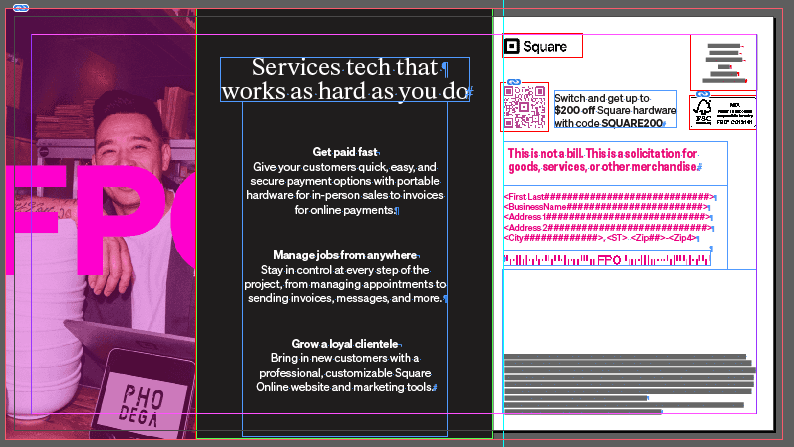
The approach was to build a copy and image matrix alongside distinct template mechanicals. Every element in each mail piece was catalogued, named, and mapped so that the design files and the print vendor's workflow could share the same naming conventions from the start.
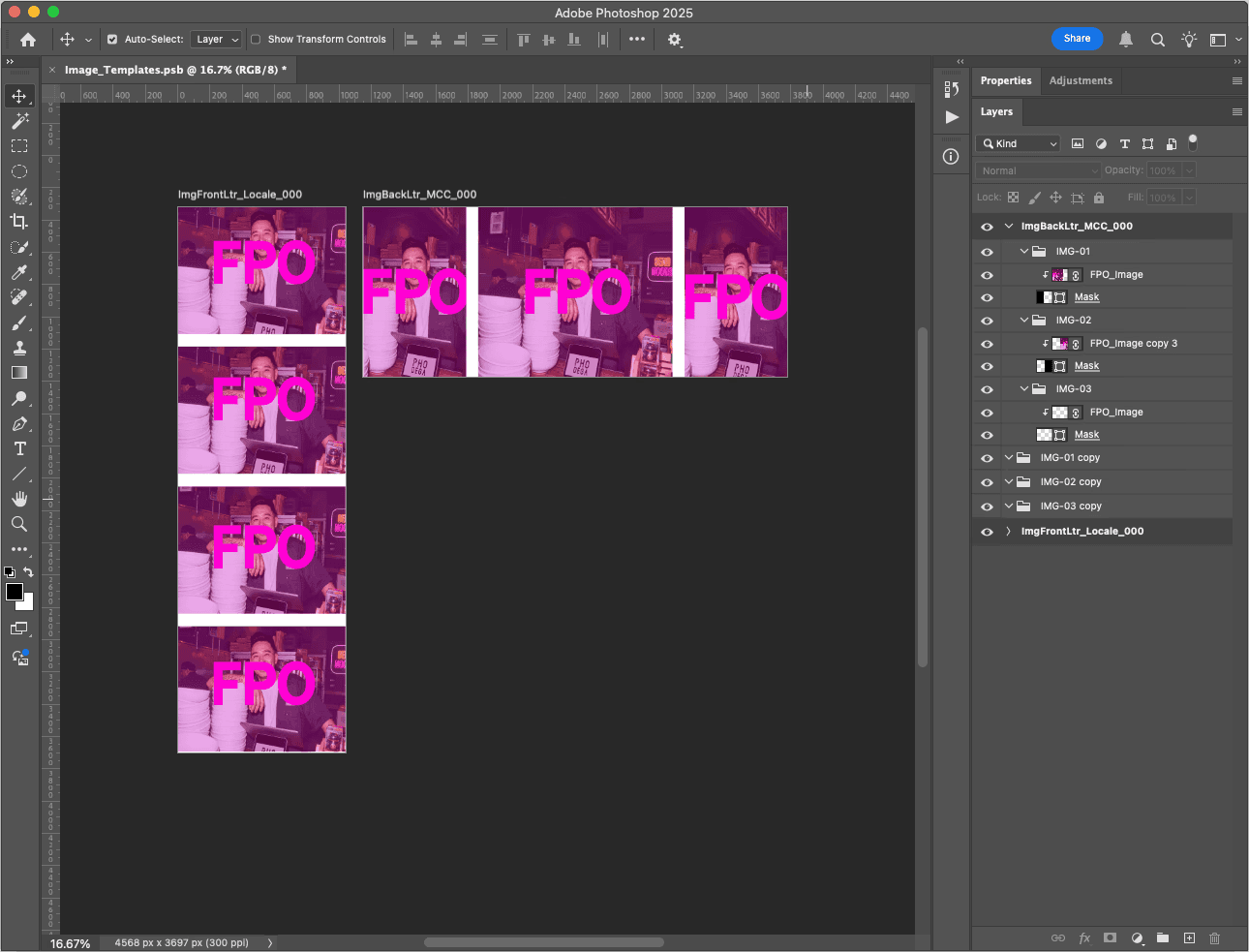
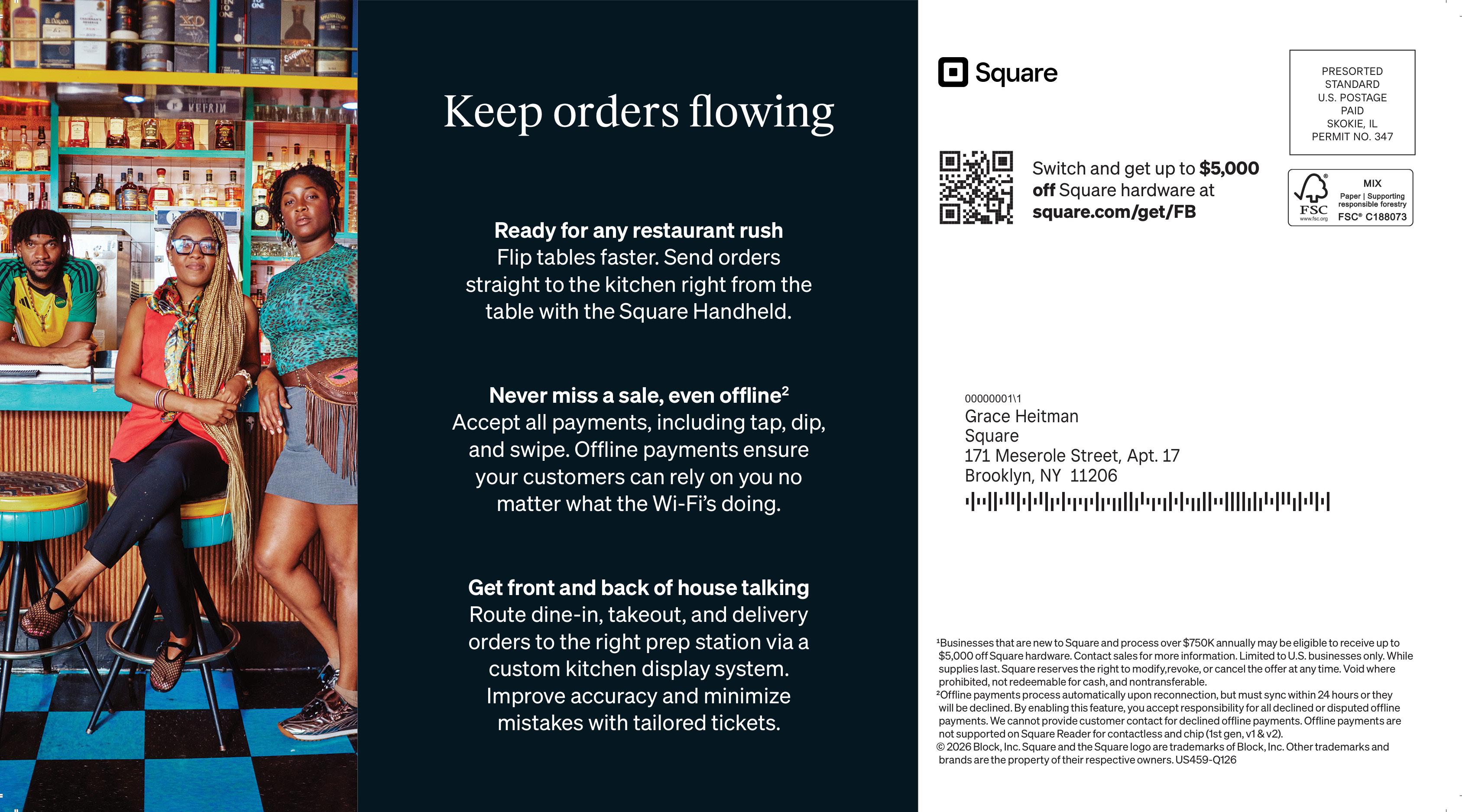
The letters contained seven images per set, each needing to be delivered as a single locked-up file for the print vendor. A Photoshop frame template using a mask system was built to handle this. Images could be linked in, compositions adjusted, and final exports produced in batch rather than one at a time.
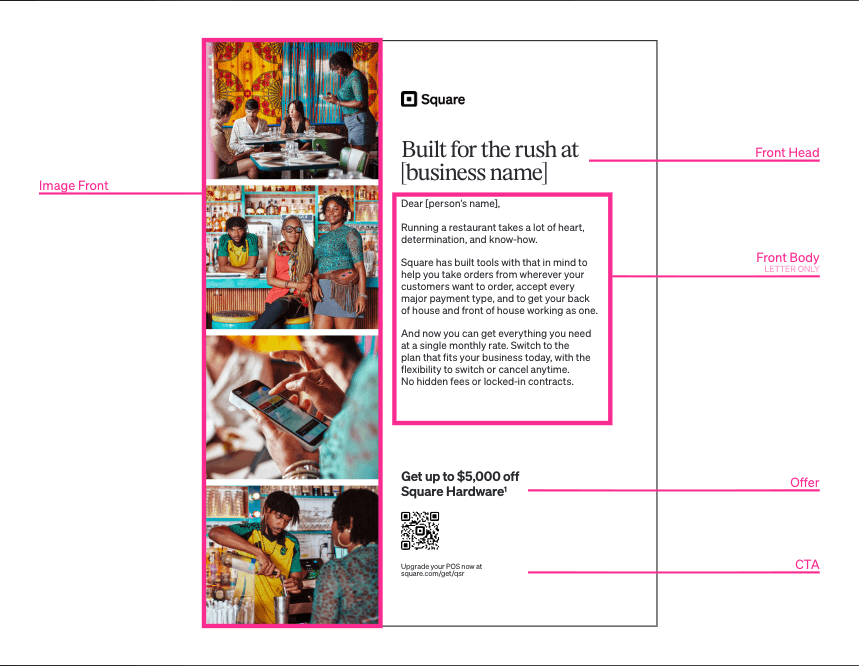
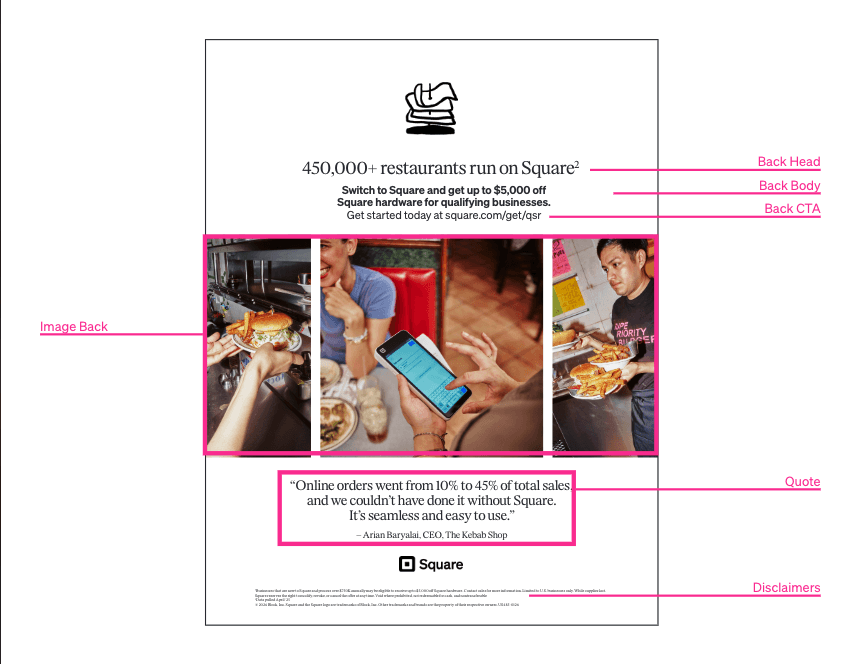
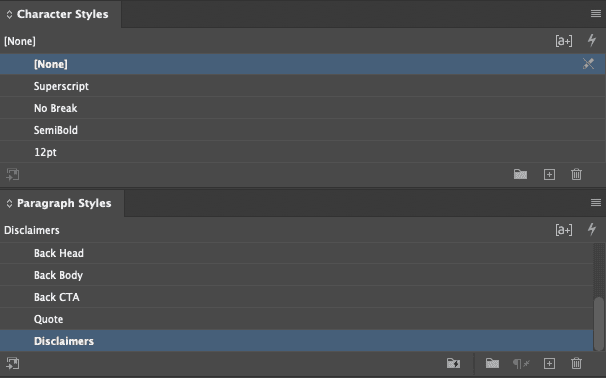
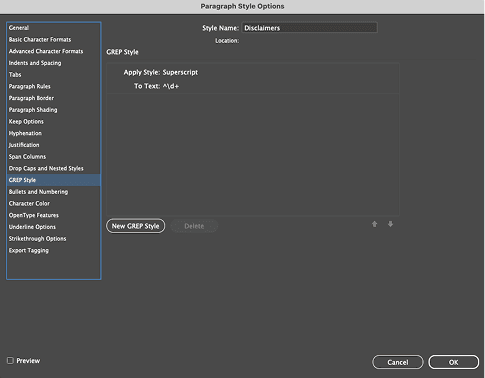
A master mapping document was created to catalogue every element and section with unique names and identifiers, mirrored across all template mechanicals. In InDesign, character and paragraph styles locked in the visual formatting. GREP styling handled edge cases, including consistently superscripting the final character in specific text strings regardless of what copy was flowed in.
HIGHLIGHT
Two Illustrator Scripts Built for Batch Image Prep
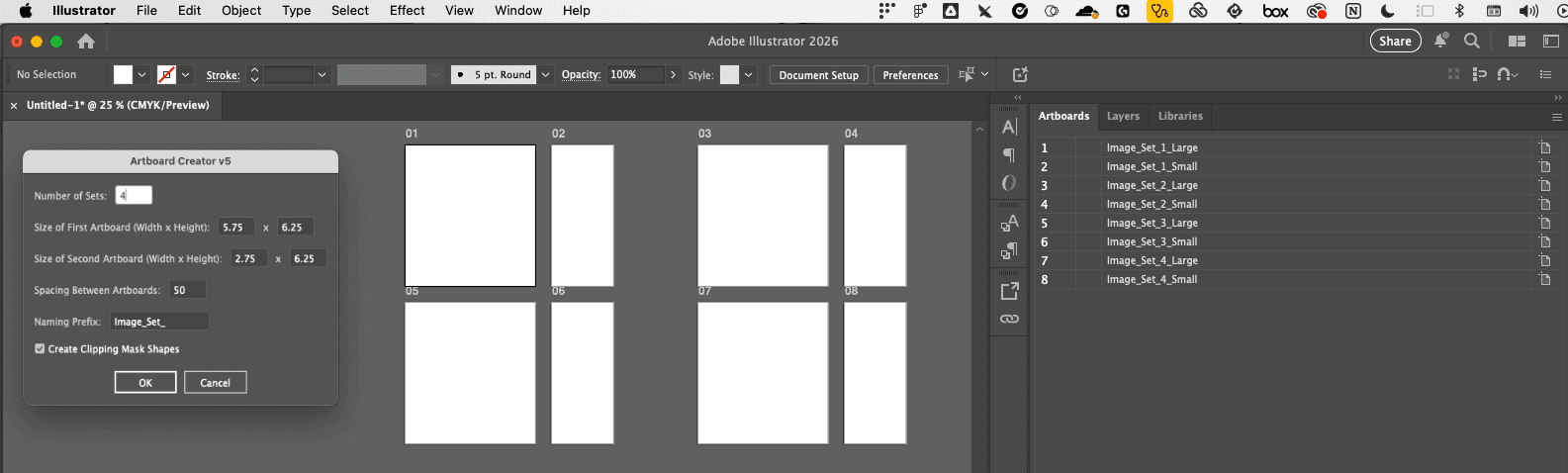
For the postcards, two Illustrator scripts were built to handle image preparation. The first, Artboard Creator, generates custom-sized pairs of artboards for each postcard set. Separating artboard creation from image placement reduced the processing load on Illustrator and made the setup step faster.
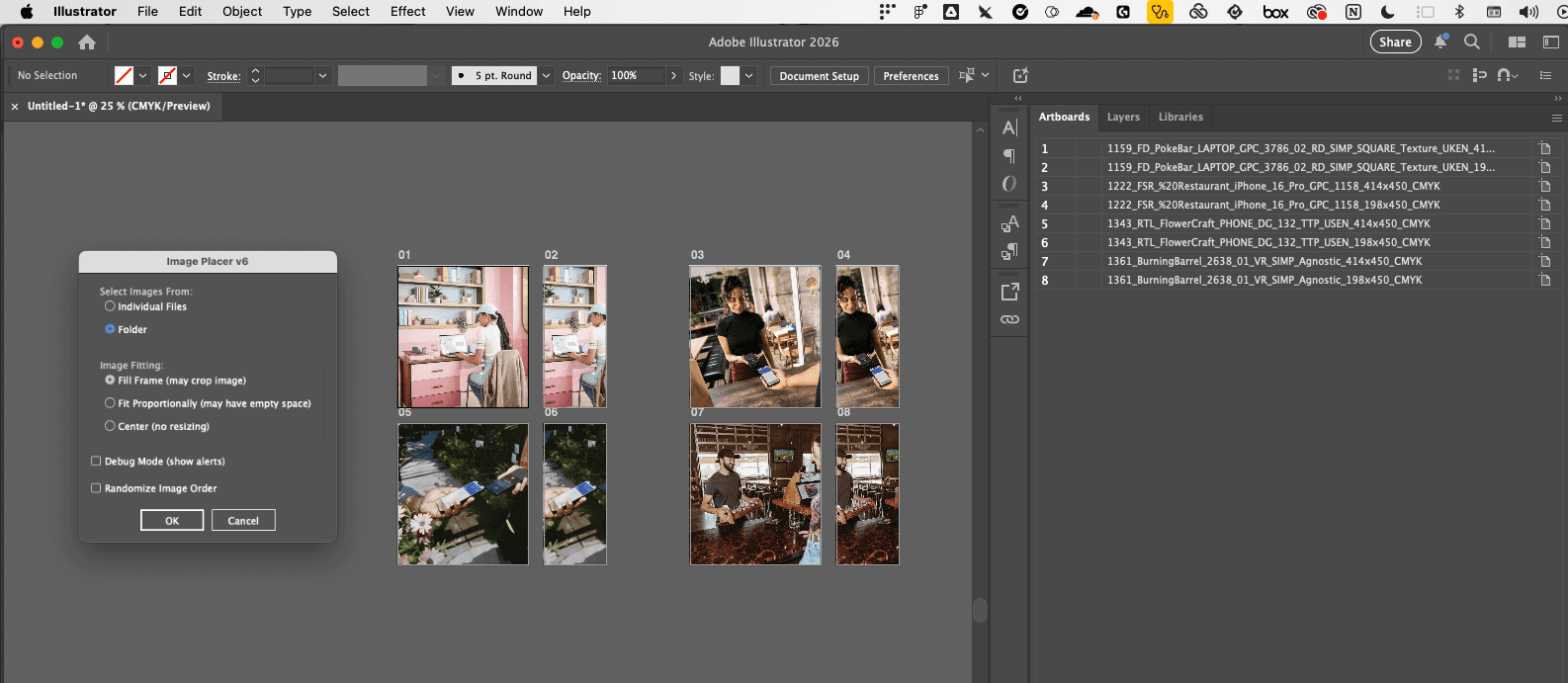
The second script, Image Placer, lets a user select individual images or an entire folder and flow them into prepared artboards, adjusting naming conventions ready for delivery. Both scripts were built to allow composition adjustments without needing production support for each job.
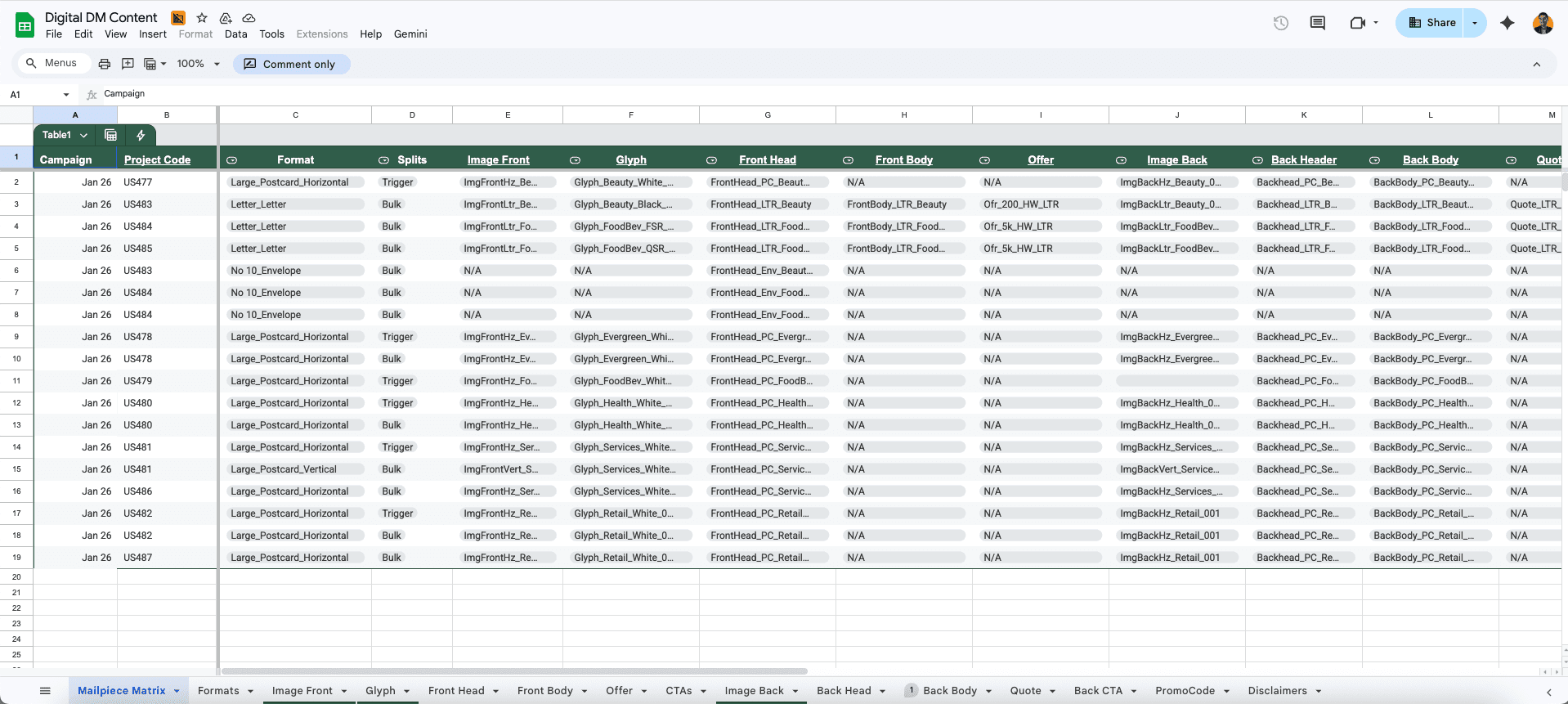
With the mechanical templates and image workflows in place, a master Google Sheet was built to house all the variations and elements for every job. The print vendor had a single source of truth for copy, image references, and output specs, and jobs could be processed against a pre-agreed framework without requiring a production contact on every round.

RESULTS
A Repeatable System That Removed Production From the Critical Path.
Once the system was running, jobs that had previously required a full production build could be turned around in a fraction of the time. The mechanical templates, image workflows, and master Google Sheet meant that new campaign variants could be set up by pulling from an established framework rather than starting from scratch. The print vendor had a single source of truth for every job. Fewer back-and-forth rounds, fewer spec errors, and no more rebuilding the same file with slightly different content each week.
The Illustrator scripts had the most direct impact on the postcard workflow. What had previously required individual Photoshop sessions for each image set became a folder-select operation. Artboards were created in batch, images were placed and named automatically, and the output was vendor-ready without manual cleanup. The program kept its cadence but stopped consuming the team in the process.
WHAT I LEARNED
Naming Things Properly Is Half the Battle.
The most valuable output of this project was not any single script or template file. It was the master mapping document. Getting every stakeholder working from the same names and identifiers meant that handoffs between design, production, and the print vendor had almost no ambiguity. The communication overhead that comes from inconsistent naming is invisible until it is gone, and then the difference is hard to miss.
Building the Illustrator scripts also reinforced something about workflow design. The best tools are the ones that front-load the repetitive work. Separating artboard creation from image placement made both tasks faster and less error-prone because neither had to carry the weight of the other. The same principle runs through every part of this system: isolate the variables, lock down the constants, and what used to take a full production session becomes a five-minute job.